
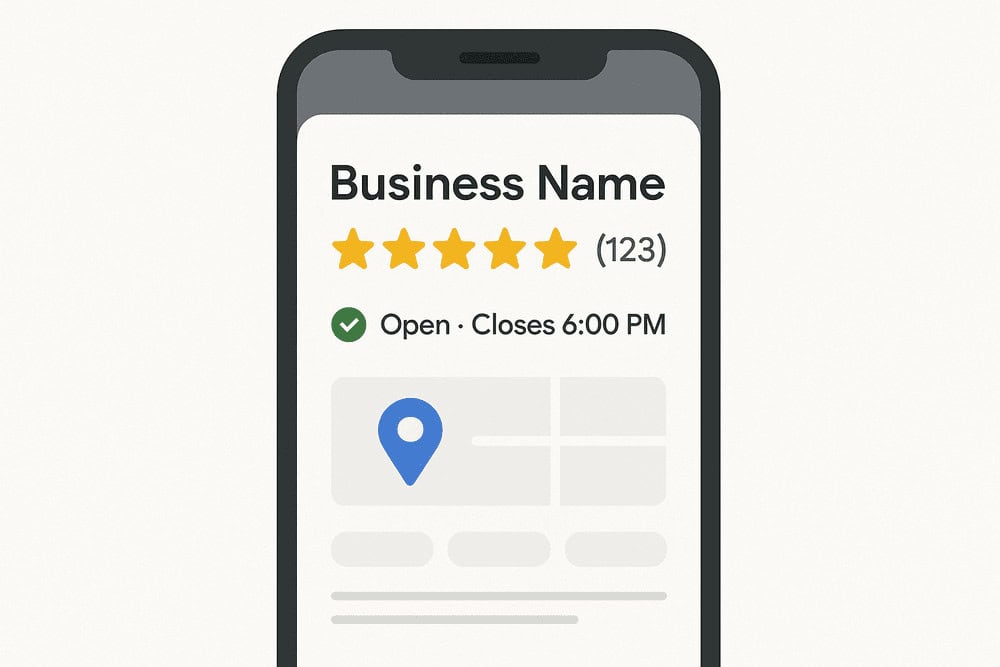
Your Google Business Profile helps customers find you on Google Search and Maps. These steps show you how to create it, verify it, and add the information people actually want to see. For more simple guidance, you can read the SEO Tips & Guides section or use the Free Website Audit Tool to check your listing and website health.
Why your profile matters
- You appear in local search results.
- Customers see your opening hours and contact details.
- You can collect reviews.
- You get more visibility on Google Maps.
What you need first
- A Google account
- Your business name
- Your address or service area
- A phone number and email
How to set up your Google Business Profile
- Go to https://www.google.com/business/
- Click Manage Now.
- Search for your business name.
- If it appears, claim it. If not, create a new listing.
- Add your business name and category.
- Choose your business type: shop, office, or service-area business.
- Enter your address or choose “I deliver to customers”.
- Add contact details.
- Add opening hours.
- Upload your logo and cover photo.
Verification steps
- Google sends a postcard with a code.
- Some businesses can verify by phone or email.
- Enter the code in your profile dashboard.
- Your profile goes live once verified.
Simple profile checklist
- Add a clear logo.
- Add a cover photo.
- Write a short business description.
- Add your services.
- Upload at least three photos.
- Ask your first customer for a review.
Need help with your Google Business Profile?
If you want someone to check your listing and point out what to fix, you can use my simple tools below.
- Free Website Audit Tool to check visibility and errors
- One-off SEO Audit if you want a clear priority list
You can also send your business details and I’ll take a look.